Design Files & Software for Laser Engraving
Hardware is bought once. Software and artwork get bought every month you stay in business, which is why this page exists separately from the machine reviews.
Software: what your machine actually needs
Start here, because there is a widespread and expensive misunderstanding about this.
EZCAD2 — already in the box
Almost every MOPA and galvo fiber machine ships with EZCAD2 on a USB stick, free, and it drives the machine completely. It is ugly, the manual reads like a bad translation, and it does the job. You do not need to buy software to start marking metal. Anyone telling you otherwise is selling something.
LightBurn — the upgrade, not the requirement
LightBurn is the tool most people move to once EZCAD2's interface starts costing them time. Galvo support needs the higher-tier licence. It is worth it if you run varied one-off jobs and want camera positioning, layer control and an interface built this decade. It is not worth it if you run the same twenty designs on repeat — EZCAD2 does that fine.
Affiliate link not connected yet — add it under MOPA GEAR → Settings and this button appears automatically.
Design files: the real recurring cost
Nobody warns new owners about this one. The machine is a one-time expense; artwork is forever. A tumbler seller works through dozens of designs a month, and drawing each one yourself is the fastest way to turn a profitable side business into an unpaid graphic design job.
Where the files come from
- Subscription libraries — a flat monthly fee for unlimited commercial-use SVGs. Cheapest per design by a wide margin once you are using more than a handful a month.
- Per-bundle marketplaces — pay once for a themed pack. Better if your work is seasonal or narrow.
- Free libraries — real, but check the licence before you sell anything cut from them. "Free" and "free for commercial use" are different words.
Check the commercial licence every time. A design you may use at home is not automatically a design you may sell on Etsy, and the platforms do enforce it.
Affiliate link not connected yet — add it under MOPA GEAR → Settings and this button appears automatically.
Which laser is right for your work?
Answer three questions. I'll point you at the machine that actually fits.
1. What are you marking most?
2. What matters most?
3. Your budget?
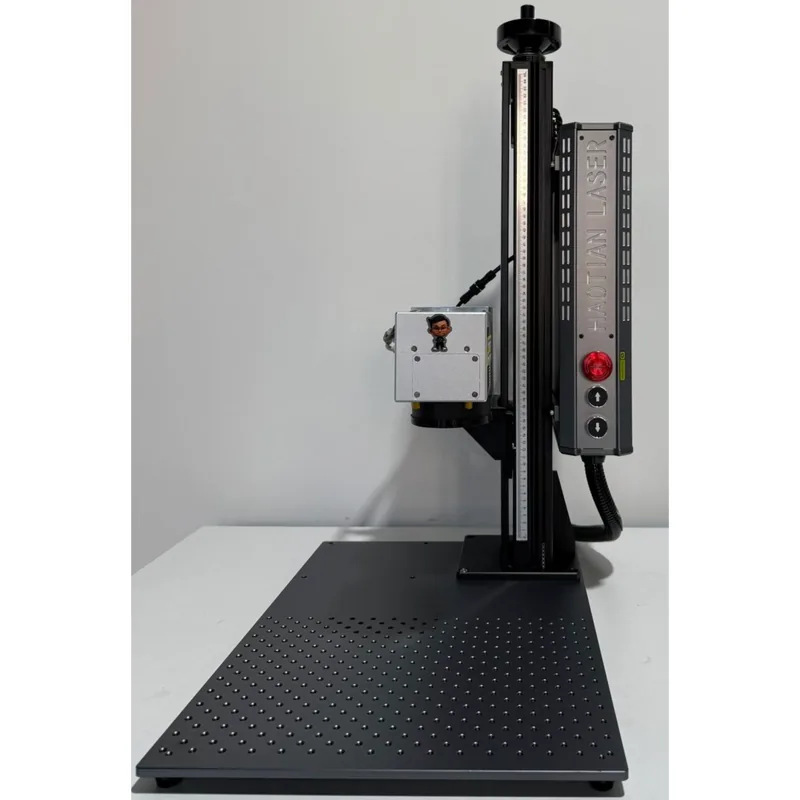
Haotian 50W JPT M8 MOPA Fiber Laser
4.9The 60W JPT M7 source is the colour-marking benchmark. Deepest engraving of the three MOPA picks.
- 60W JPT M7 MOPA source
- Full colour marking on stainless
- 1-500ns adjustable pulse width
- Deep engraving and annealing in one machine